 Contact Us
 Help Center
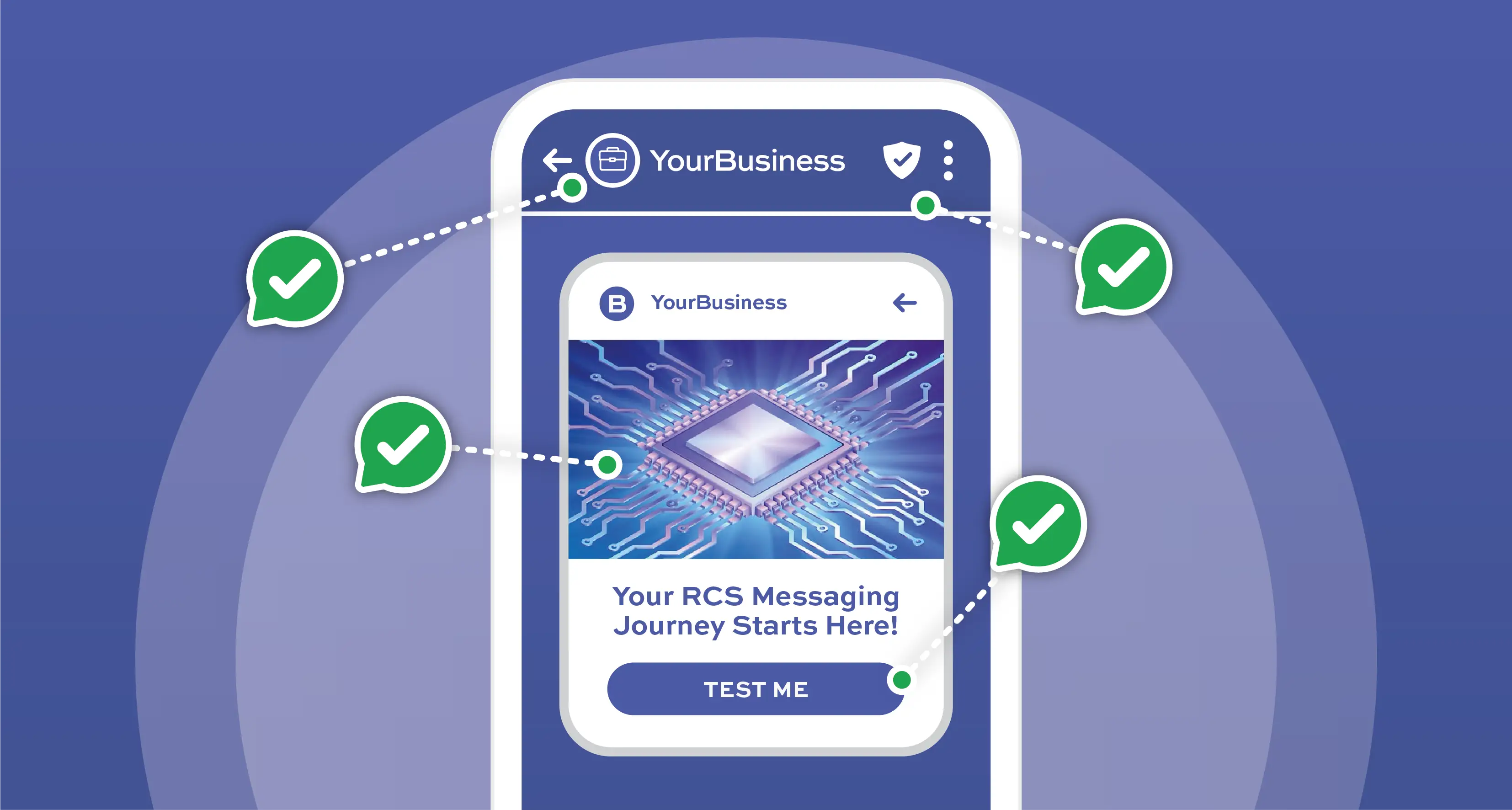
Whether you’re using RCS Business Messaging for promotional purposes, customer service, or transactional updates, here’s how you can test RCS messaging effectively using a platform like Kero.
Step 1: Check Device and Platform Compatibility
To begin testing RCS Business Messaging, ensure your phone is RCS-enabled; that is, both your mobile network provider and your device can support RCS.
For Android Devices:
- Supported with Google Messages where “Chat Features” are enabled.
- Supported where mobile network providers in a country have activated RCS.
- You can confirm this by looking at Google Messages > Settings> Chat Features.
For Apple Devices:
- RCS is not yet supported natively for iOS devices in all countries.
- Starting with iOS 18, RCS support has been rolled out in some regions, like the USA and UK, with further expansion in other countries also expected in 2025.
- You can confirm whether your Apple device is RCS-enabled by going to the Settings app on your device, tap Apps, and tap RCS Messaging. If RCS is not enabled then turn RCS Messaging on.
Step 2: Register a Test Agent
Before sending a test message, you’ll need a registered RCS Agent. The Kero platform simplifies this process:
- You will need to register an account with Kero.
- Navigate to the Brand Agent section and create a brand profile for your business.
- Once activated, your agent can be used for sending test messages.
Step 3: Create a Test Campaign in Kero
When your brand agent is set up, you can create your first test campaign by logging in to your account on the Kero WebApp. Go to the Template page and create an RCS message template for your campaign:
- Add media like images or videos,
- Add text and a button, and
- Create a fallback SMS message for non-RCS-enabled customers.
Click on the Campaign page:
- Upload test contact numbers from a CSV or Excel file.
- Set the required parameters to personalise messages, and
- Send the campaign and monitor real-time message delivery.
Step 4: Monitor Message Performance
Leverage Kero’s built-in analytics capabilities to track important metrics:
- Delivery Receipts,
- Read Rates, and
- User interactions like button clicks.
Step 5: Optimize
Based on these test results:
- Optimize message design and copy,
- Optimize media for faster load times,
- Personalize flows for better engagement, and
- Re-test across different devices and regions to ensure consistent performance.
Why Testing Matters
Testing your RCS Business Messaging campaign or a single RCS message helps you:
- Catch delivery issues or formatting errors early,
- Ensures a smooth, branded message experience for every recipient, and
- Understand device and carrier limitations for your target audience and market.
Final Thoughts
Testing RCS messages with Kero is both simple and strategic. From agent registration to real-time analytics, the platform puts you in the driver’s seat for every part of the process. With your testing done then you’re all set up to scale your rich business messaging with confidence.
Sign up today with Kero to start building a smarter, richer messaging experience.

